Model management
Does the agent allow to change models
Filtering
Hide or show models from the list.
The agent allows you to hide/show the models from the model list.
No additional details for this agent.
No additional details for this agent.
No additional details for this agent.
Type ctrl+x+m and select your favourite model.
No additional details for this agent.
No additional details for this agent.
Region Tuning
Connect to providers based on location/region.
Region tuning allows you to connect to provider endpoints based on your geographic location. This helps optimize response times by using endpoints closer to your location. For example, z.ai has mainland China endpoints and international endpoints. The China endpoints provide much better response times than international endpoints when accessed from mainland China.
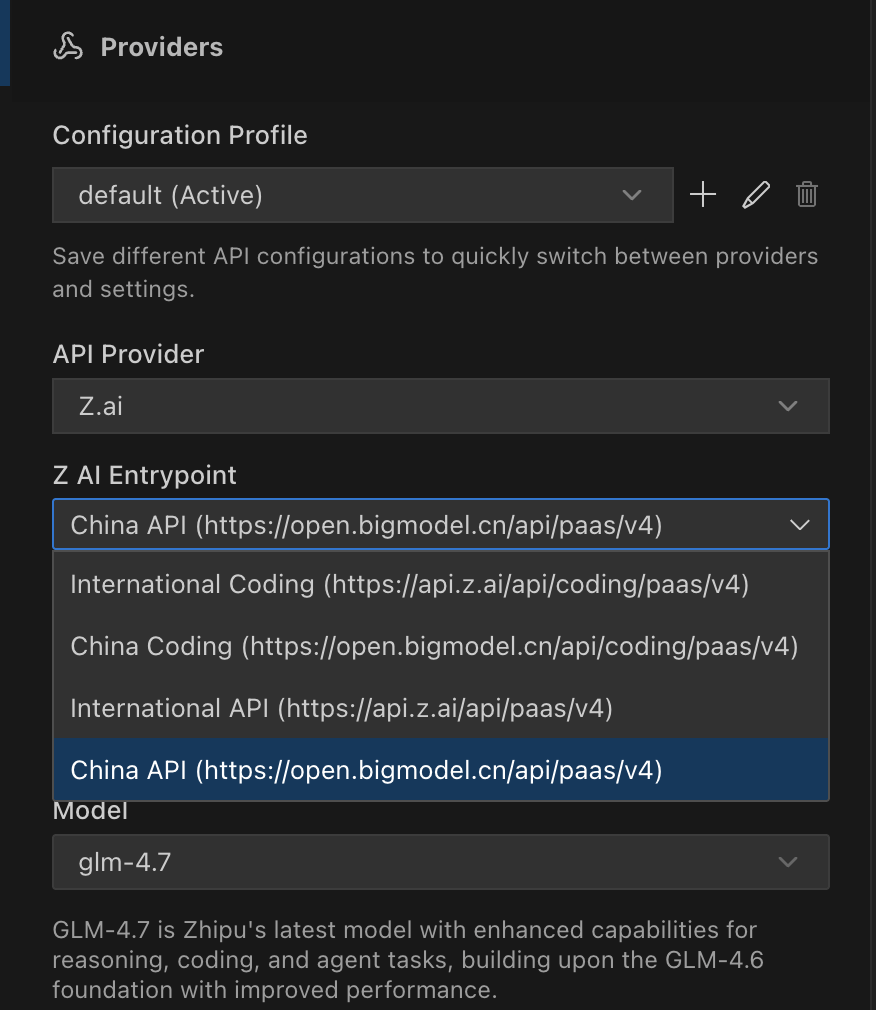
A lot of built-in providers don’t work in mainland China. I suppose the Cursor team handles the nearest endpoints based on your location.
No additional details for this agent.
No additional details for this agent.
No additional details for this agent.
No additional details for this agent.
No additional details for this agent.